
Theatre Cue Player
Show control for school theatre — audio, video and projection
Made for education. Powerful enough to run the show.
Two ways to run it
Chrome Extension
Audio, video and projection
The full thing: video cues, projection mapping, second-screen output, text cues, the sound editor, and optional Google Drive. Installs from the Chrome Web Store.
Add to Chrome
Browser version
Audio only — nothing to install
Opens from a link, or runs off a USB stick. No installation, no admin rights, no internet — so it still works on machines where extensions themselves are blocked, which plenty of districts do.
Open it nowBoth are free for the whole 2026–27 school year.
After that, only second-screen projection output will carry a fee. Audio-only shows
stay free.
Everything the browser version does, plus video, projection and the sound editor.
Show Control
- One cue list, one GO button — a workflow a student learns in a rehearsal.
- Multi-layer playback with overlapping audio instances.
- Automation: auto-follow, auto-continue and infinite loops.
- Fade cues, plus FADE ALL and STOP ALL for when something goes wrong.
- Hotkeys for instant-fire sound effects.
- Oversize transport and high-contrast mode for a dark booth.
Video & Projection
- Second-screen output — clean full-screen projection, black between cues.
- Projection mapping: corner-pin warp and masking onto set pieces and scrims.
- Video cues fired from the same list as your audio — fades, loops, trimming, playback rate.
- Text cues: titles, supertitles, crawls and rolls.
Shows That Travel
- Your storage, your choice — a plain folder, or your own Google Drive.
- Automatic cue list backups — a copy every time you open a show, the last 20 kept, so you can always go back.
- Cue sheets as a printable PDF, or a Google Sheet for the stage manager.
- Zip a whole show, media included, in one step.
- A real sound editor built in — EQ, reverb, delay, noise reduction, pitch and tempo change. Send the modified copy right back to your cue list.
- Works offline once a show is open, so a dropped network can’t stop a performance.
- Help Mode locks the cue list so a student can’t edit it by accident.
How it uses Google Drive
Google Drive is optional. The extension works completely without it — in folder mode it never contacts Google, never asks you to sign in, and makes no network connections at all, which matters in districts where Drive is blocked.
If you do connect it, shows are saved to your own Drive so a cue list
follows you from the classroom to the booth, and cue sheets can be exported
straight to Google Sheets. It asks for a single per-file
permission (drive.file) which lets it read and write only
the show files and cue sheets it creates for you, and a sound, video or show file
you explicitly choose from your Drive for it. It cannot see anything else
in your Drive, and there is no Theatre Cue Player
server — nothing you make is sent to the developer. Full detail is in the
privacy policy.
For school IT: choosing a file from Google Drive inside the extension
opens a small page on theatrecueplayer.app, so that address needs to be
allowed through your web filter along with Google. If it's blocked, everything else
in the extension still works — pick the file from the computer instead: on a
Chromebook, Google Drive is in the file dialog's sidebar.
Built in a classroom, for a classroom
Theatre Cue Player started as a way to teach a room full of students the skills, terminology and workflow of professional show control — without a professional budget, and without a professional learning curve.
That shapes the whole thing. Cue types, fades, follows, geometry, warping: they are named the way the industry names them, on purpose, so a student who runs a season here can sit down in front of professional software and recognise what they are looking at. The training is the point. The fact that it will also run your show is what makes the training real.
Cue list, GO, fades, auto-follow, loops, hotkeys, a waveform editor for trimming and fades, PDF cue sheets and whole-show zip packages — everything except video, projection, text cues, the effects editor and Google Drive, which are the extension's.
What only this version can do: run with nothing installed at all. From a link, or off a USB stick, with no admin rights and no internet. If your district blocks extension installs — and many do — this is the one that still works. It is also what the video guides below were recorded on.
Video Guides: The Technical Director Series
A six-part course on the cue-building workflow. Recorded on the browser version — all of it applies to the extension too.
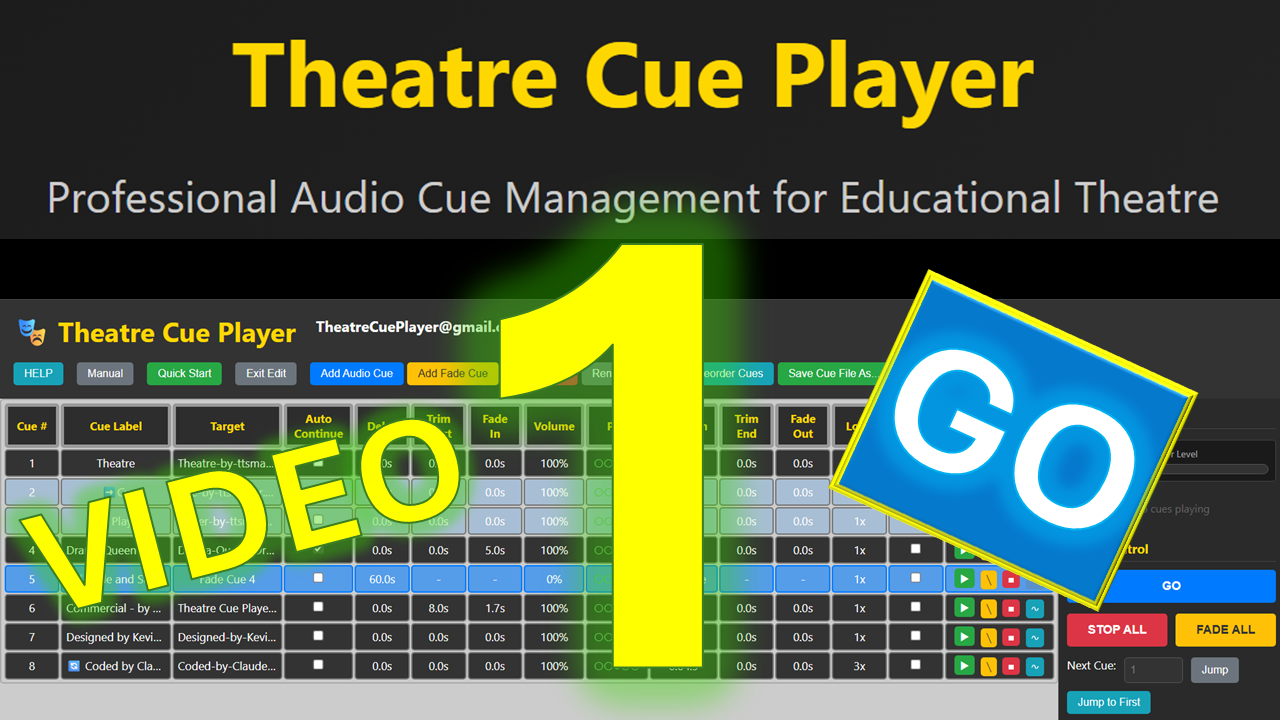
1. Architecture & Setup
Best practices for file management and PWA installation.
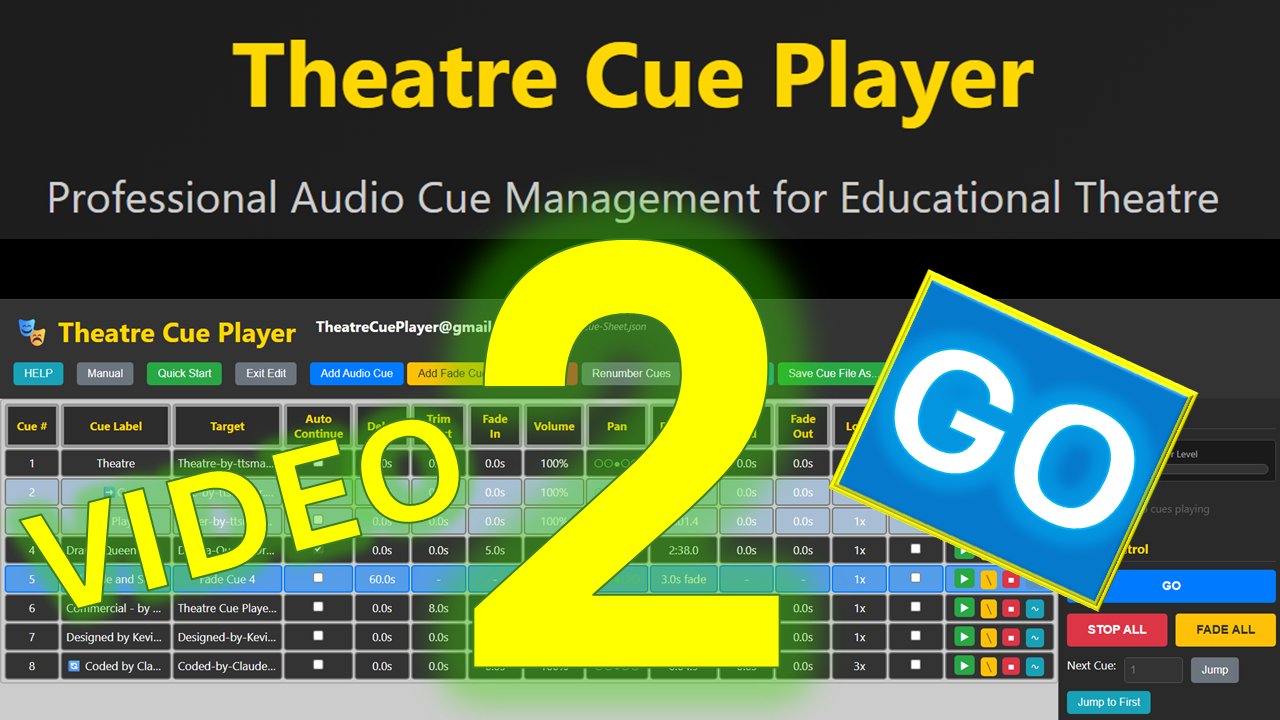
2. Building Cues
Targeting audio, renumbering, and auto-follow logic.
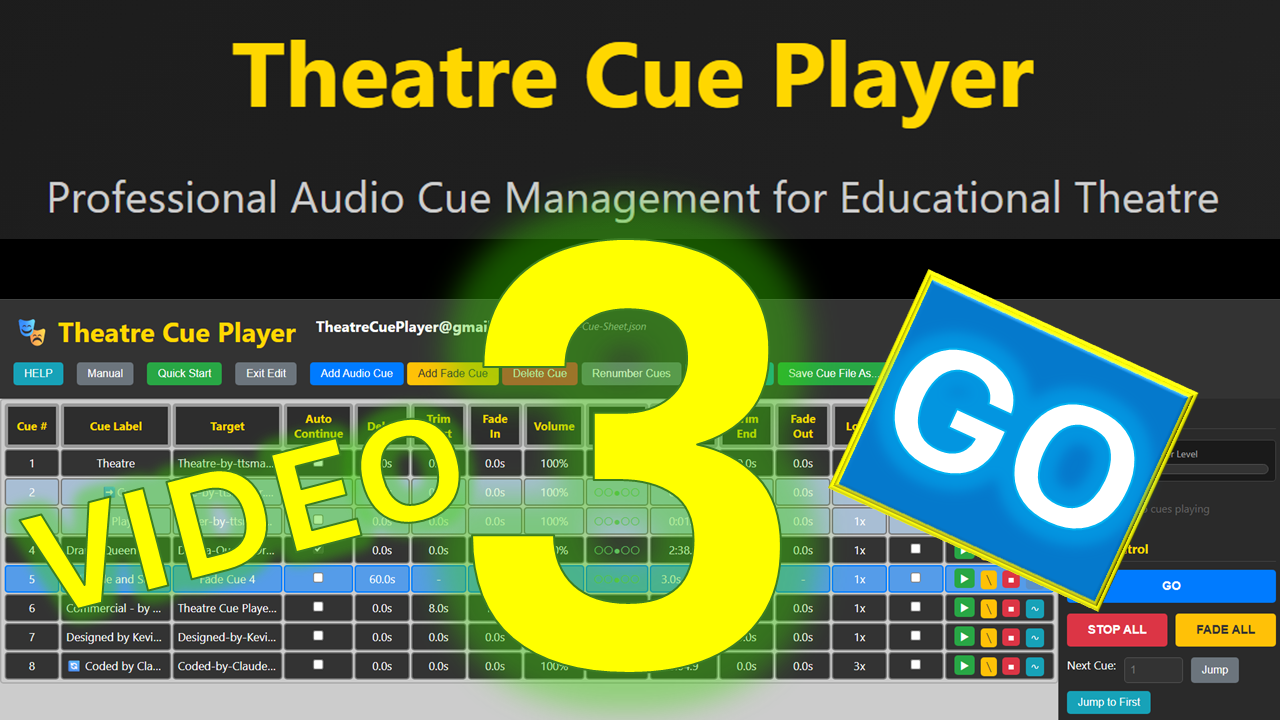
3. Fades & Pan Fades
Using the Toolbar, fade cues, and spatial audio panning.
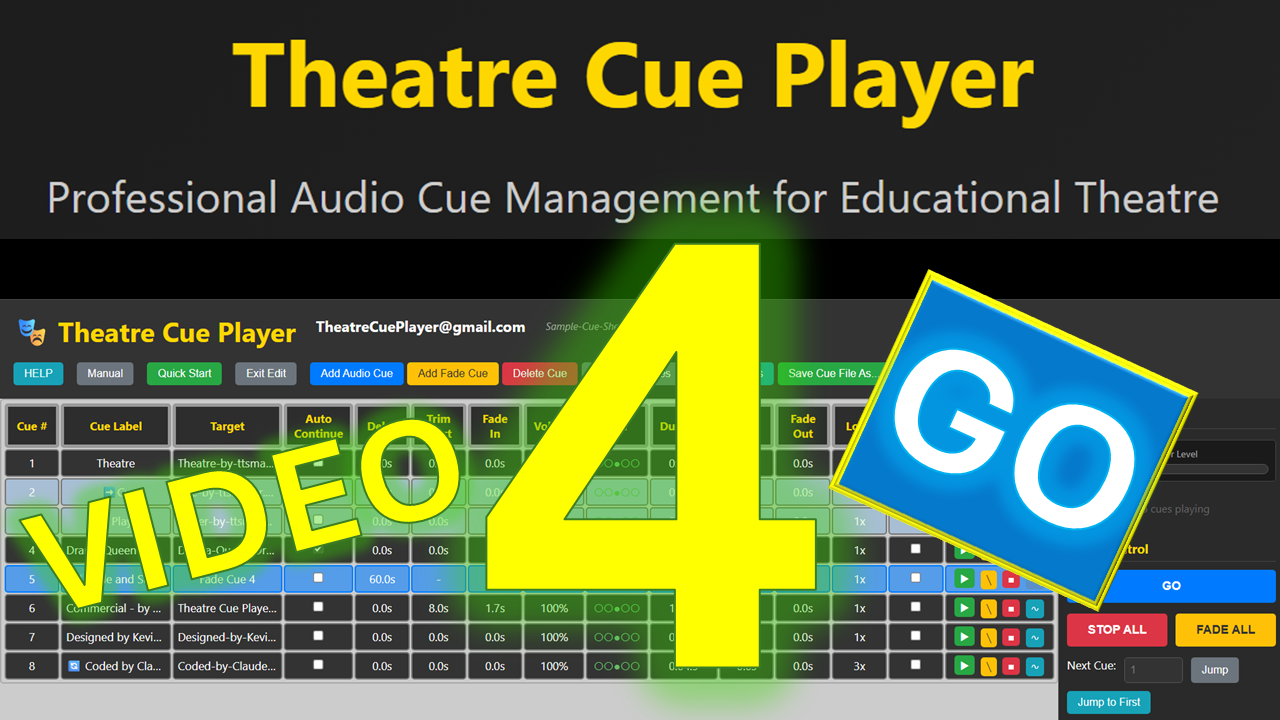
4. Waveform Editor
Non-destructive trimming and integrated fade curves.
5. Exporting & Cue Sheets
Creating Zip packages and generating PDF cue sheets.
6. Hotkeys & Live Control
Handling ad-libs, overlaps, and mid-show additions.
Where this leads
The vocabulary here is the industry’s vocabulary. When your students move on, these are the rooms they walk into — and they will already know what the words mean.
QLab
The standard for theatrical sound, video and lighting cues. Mac only. If a student learns one professional tool, it is usually this one.
Show Cue Systems
Theatrical sound cue playback for Windows, and a long-standing alternative to QLab for programmes that are not on Macs.
Isadora
Interactive media and projection for live performance, built around a visual patching workflow.
Resolume
Projection mapping and live video, widely used in concert and event work.
Ableton Live
Music production and sound design. Where original underscoring and effects tend to get made.
Manual, lesson plans, and getting in touch
Built by a technical theatre director for other people running school productions. Tell me what’s broken and what’s missing.
Roadmap
- Shipped: the Chrome extension — video cues, projection mapping, second-screen output, and optional Google Drive storage.
- Browser version: stability and core audio features.
- Next: MIDI and OSC support.
Support the project
Theatre Cue Player is free, and stays free. If it has saved you a rehearsal, a tip covers the hosting and pays for the next feature.
Designed by: Kevin Patrick, Technical Theatre Arts Director
License: Creative Commons Attribution-NonCommercial-NoDerivatives 4.0
International License
Join Mailing List · Unsubscribe · Privacy Policy · Terms of Service